Don’t miss a flea market: install the app.
Add an icon to your home screen for fast access to listings and events — like a real app.
This app uses the website: no heavy download and no mandatory account.
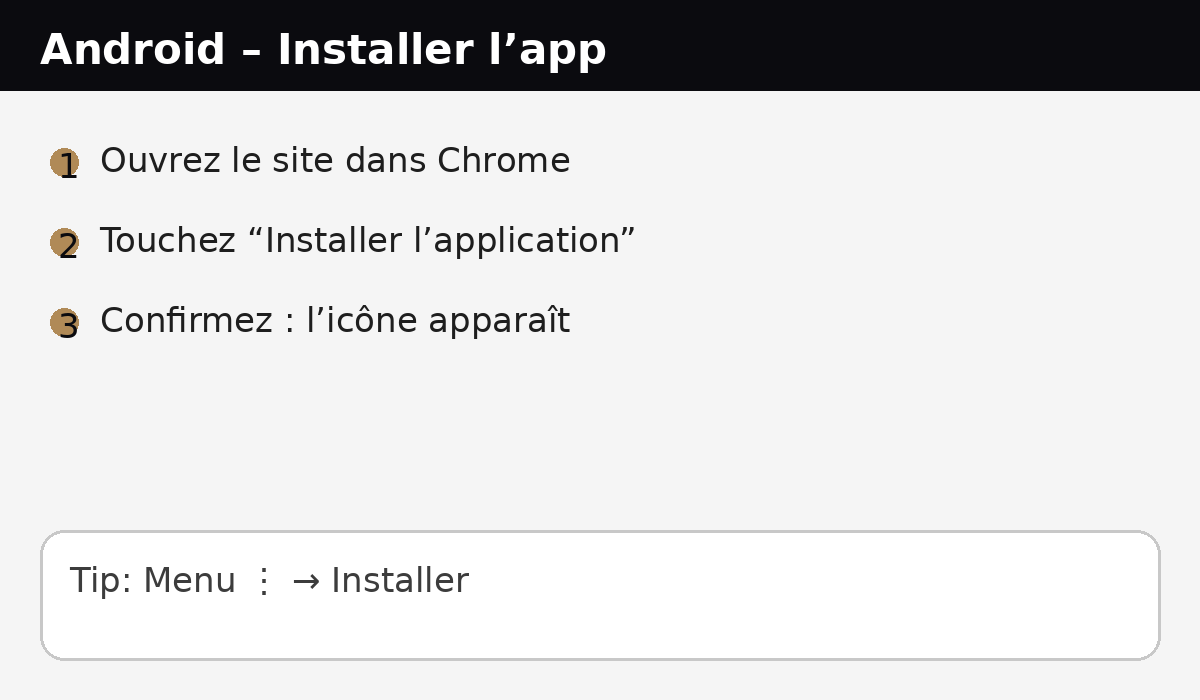
Android (Chrome)
- Open this site in Chrome.
- Tap “Install app” (or the ⋮ menu).
- Confirm — the icon appears on your home screen.
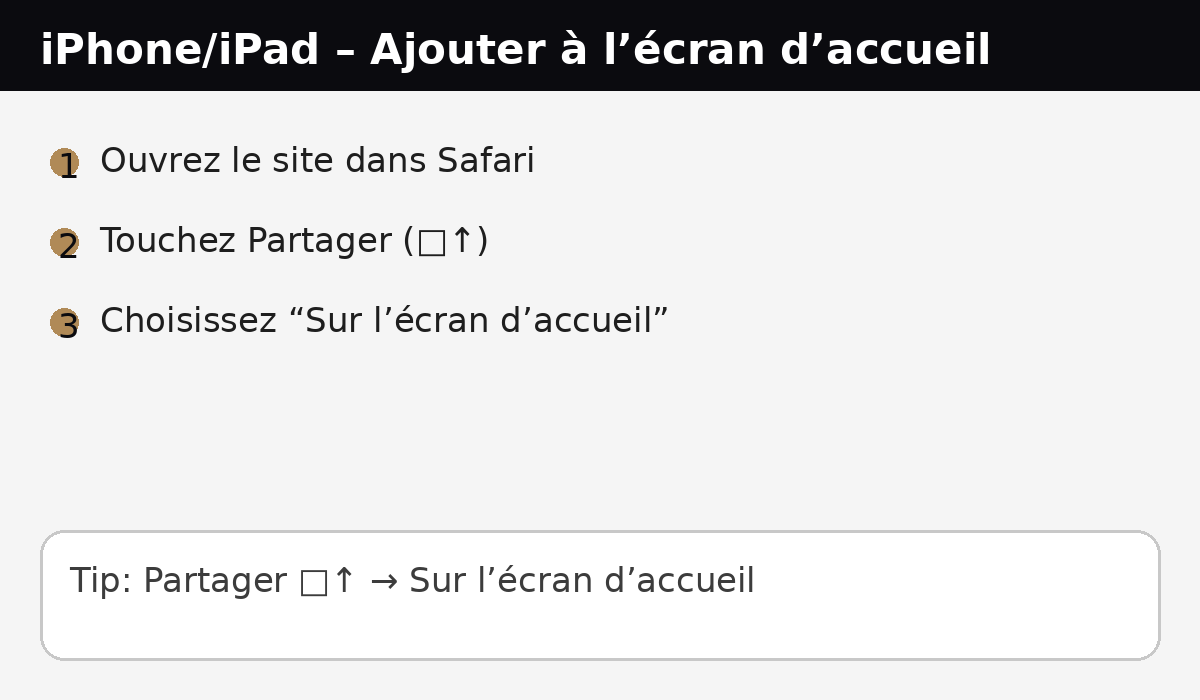
iPhone / iPad (Safari)
- Open this site in Safari.
- Tap Share (□↑).
- Choose “Add to Home Screen”.
FAQ
Is it a real app?
It’s a web app (PWA): it opens like an app and sits on your home screen, while using the website.
Does it take storage?
Very little — it’s mainly a smart shortcut with an “app-like” mode.
Do I need an account?
No. You can browse freely. An account may be useful later if we enable alerts.